
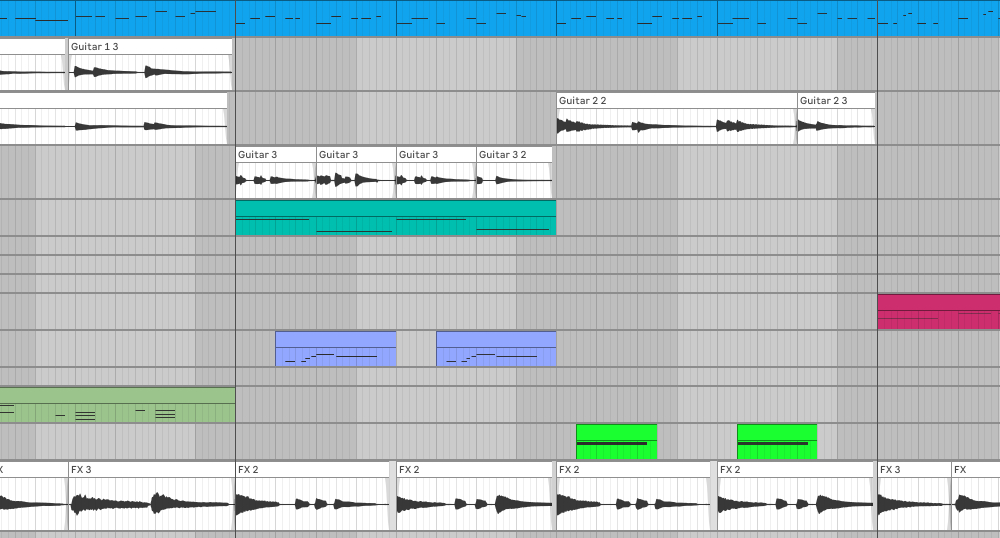
A couple years ago I decided to look at Looper pedals, so I could record my guitar playing through my amp with a drum track playing along in the background for timing. In the past when I tried recording guitar into my DAW, I was never able to get a good sound, like what I was hearing from my amp and pedals… And it seemed too complicated to set up and just not very spontaneous. So, after some research, I purchased a Boss RC-5 looper pedal. The Boss pedals were pretty much the standard so I went with them. After experimenting with the RC-5 I decided the drums were pretty limited and I couldn’t get on with the bar graph display. So I returned that and went with the more expensive Boss RC-10 looper pedal which had better drums (and more of them) and 2 tracks which you could sync to the drums. I loved the RC-10 because the 2 displays for track progress were large circle graphs, and the quality of the drums was outstanding (pro quality with a lot of swing). It was a great pedal for creating Verse/Chorus song ideas with backing drum tracks. The drum tracks in the RC-10 (IMHO) were better than most of the drum loop libraries I tried.
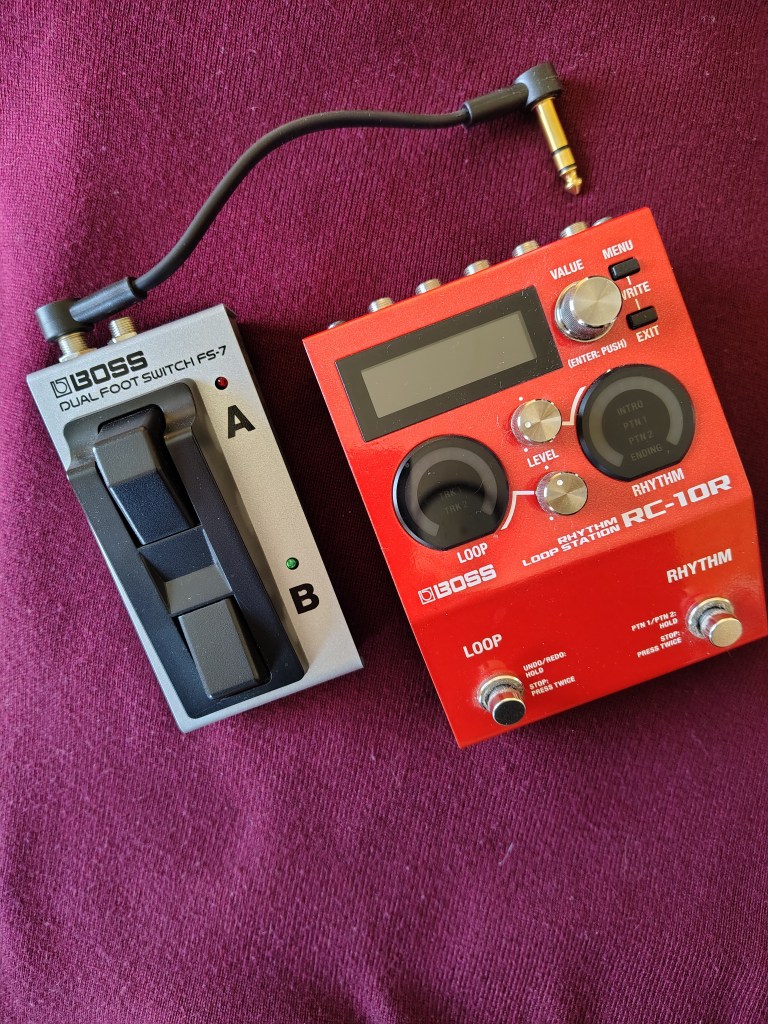
However, after a couple years of creating like, 200 song sketches with 2 tracks, i.e. Verse/Chorus, I discovered 2 main problems. 1. When you record into the tracks, the audio is “combined” each time you overdub. So if you wanted to later take these wav files and further edit them you can’t because its a combined file. Not.good. 2. The recorded audio files “level” is based on the signal coming into the pedal, so if you’re recording from an amp at bedroom volumes or from a multi fx output with no preamp, the wav files were way too quiet… you’d have to have the amp LOUD to get the recorded loop file usable later in an audio editor or DAW program. Issues that would make it difficult to do what I originally wanted to do: record ideas into the looper, then take the wav files into my DAW and expand on them. Boss has an app that allows you to transfer the recorded wav files from the pedal to the computer, but as I mentioned the files were barely audible. I reached out to Boss about this, but they basically said the pedal recorded what was fed into it at the volume to the input? Hmmm. So at that point I realized I was going to have to go in another direction to do what I wanted i.e. I’d have to use my DAW, Ableton Live.
DAW as Looper
Ableton Live is a great DAW for electronic music production and well any type of music. I’ve used it for years to create tracks that are mostly ambient / electronic music or whatever I could come up with. l’ve developed a workflow in the Arrange view that works for me and I never used Session view much coming from a Logic Pro background. I pretty much know where I’m going all the time, and I know all the keyboard commands. So it’s second nature to me now. One thing I hadn’t done much with the program was record audio. So to start using Live as a looper I was going to have to look at guitar plugins, learn how to edit audio in Live and figure out how to use the computer keyboard or some type of controller to control the interface while playing guitar. In other words, a lot of stuff!
Recording guitar into a DAW
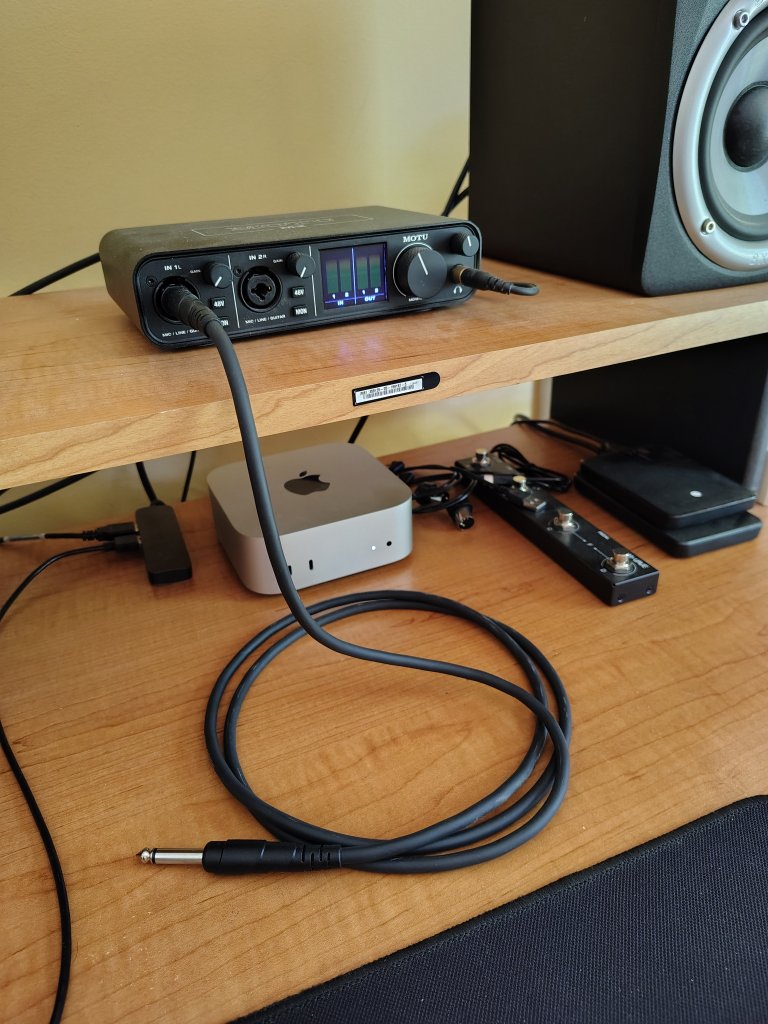
So, how do you get your guitar sound into the computer? Well, there a couple of ways. 1. Plug your guitar directly into an input of your audio interface, arm an audio track in the DAW and hit record. 2. The other way is to put a mic in front of your guitar amp speaker, plug the mic into a channel on your audio interface and record the sound coming from your amp. Both ways have their advantages and disadvantages but plugging directly into the interface is the easiest, and fastest way to get your guitar sound into the computer. Recording the sound from your amp while playing, requires the amp to be isolated in another room so you can’t hear the amp sound… while your monitoring the sound in your DAW. A lot of additional setup and complexity. Although some amps today have direct outs with cab simulation I’ve had the best results just plugging my guitars directly into my audio interface and using some guitar specific plugins, and/or the plugins that came with my DAW.
Guitar plugins vs. DAW plugins
When I decided to revisit using Ableton Live as my guitar recording method I began checking out guitar specific plugins from companies like Neural DSP and Universal Audio. I purchased a couple Neural plugins (Mateus Asato and Morgan amps) and tried some of Universal Audio stuff. I also purchased a basic version of Bias FX. After loading these plugins in Live I tried to create some presets with my guitars. A custom built tele and strat built with parts from Warmoth. Since both of these guitars have single coil pickups, which are inherently noisy, the clean sound straight into the computer was usable, especially when using RWRP settings but using overdrive/distortion plugins requires some concession to background noise or a noise gate. (I had a dedicated line installed in my home office/studio which cuts the line noise a lot).
However, the more I tried to get a sound that was similar to my guitars plugged into my amp with my multi FX, (NUX Cerebrus)… from the “guitar plugins”, the more frustrated I got. All those You Tube reviews I watched of some of these guitar plugins… I wasn’t getting the sounds they were getting. Why? I attributed this partly to the fact that a lot of the reviews were with guitars equipped with humbucking pickups, which seem to work better with guitar specific plugins and are a lot more forgiving than single coil pickups… But after spending over $200. on the so-called good stuff, and a lot of frustration, I decided to start reviewing the built-in plugins in Ableton Live. There are a LOT of audio effects in the Suite version which I have. And most are directed towards synth and electronic music making but there are some very cool time based effects with reverb and delay that are definitely usable for guitar. And they all can be tempo sync’d which is huge for recording. Tap tempo works great for live performance but in the computer / DAW environment the audio fx has to lock to the song tempo to be usable. So I spent a couple weeks loading Ableton’s audio plugins into a channel with my guitar plugged in and testing them for use in a guitar oriented recording setup. I was a little surprised what I found…
Great guitar sounds from the built-in plugins?
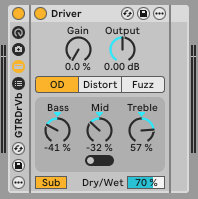
The biggest surprise was a plugin called Pedal which comes with Live. It was shocking after testing stuff from Neural, Universal Audio and others that this plugin became my go-to for an edge-of-breakup guitar sound on my recordings… and it sounded great with single coil pickups. I could get a subtle overdrive or a full-on distortion sound. And the mid-bump and EQ could be tailored to really any type of pickup, producing a great clean boost as well. There was no need for a cab sim either as the EQ is really flexible and there are a bunch of useful settings that really make it shine with guitar. Definitely a great plugin.


Some of the really cool FX type plugins in Live I recommend for guitar:
- Jamaica Plains
- Rhythm Space
- Space Time
- Cluster Sound Delays
- Pad Chopper
- Kilamanjaro
Most of these are Delay/Reverb based effects and are pretty over-the-top initially when added to an audio track, but with a little adjustment you can make them more “guitar friendly” and if your making ambient or shoe-gazer music they’re perfect. My current guitar channel setups are a combination of “Pedal” for overdrive and built-in reverbs custom tailored to “guitar,” i.e. Hall and Plate. I have a couple channel setups which include some of the modulation effects like tremelo and Chorus… But if I want some spacey FX which are the rage in guitar pedals these days I use some of these from the list above which can go from mild to far out.
Conclusion
I’ve moved on from using a hardware looper pedal. I’m getting some pretty great guitar sounds from the setups I created in Ableton Live and I can mix 3-4 guitar tracks with synth plugins and drum loops as well as programmed midi drums for a complete composition which compared to my Verse/Chorus looper days is freakin’ awesome! In the end, It just took some time to demo a lot of plugins, review some videos, and try some different options… but most of all, make up my own mind on what sounded good to me… Not what people recommended. I gotta say it was worth the effort because I can now do so much more than I could with my old RC-10. Mission accomplished!


Leave a Reply